Sunsama API (2026): What Exists and What to Use Instead
Does Sunsama have an API? Not a public REST API. Here is what works in 2026 (MCP, Zapier, unofficial wrappers), the risks, and planners with a real API.
Open Sunsama Team · · Updated · 8 min read
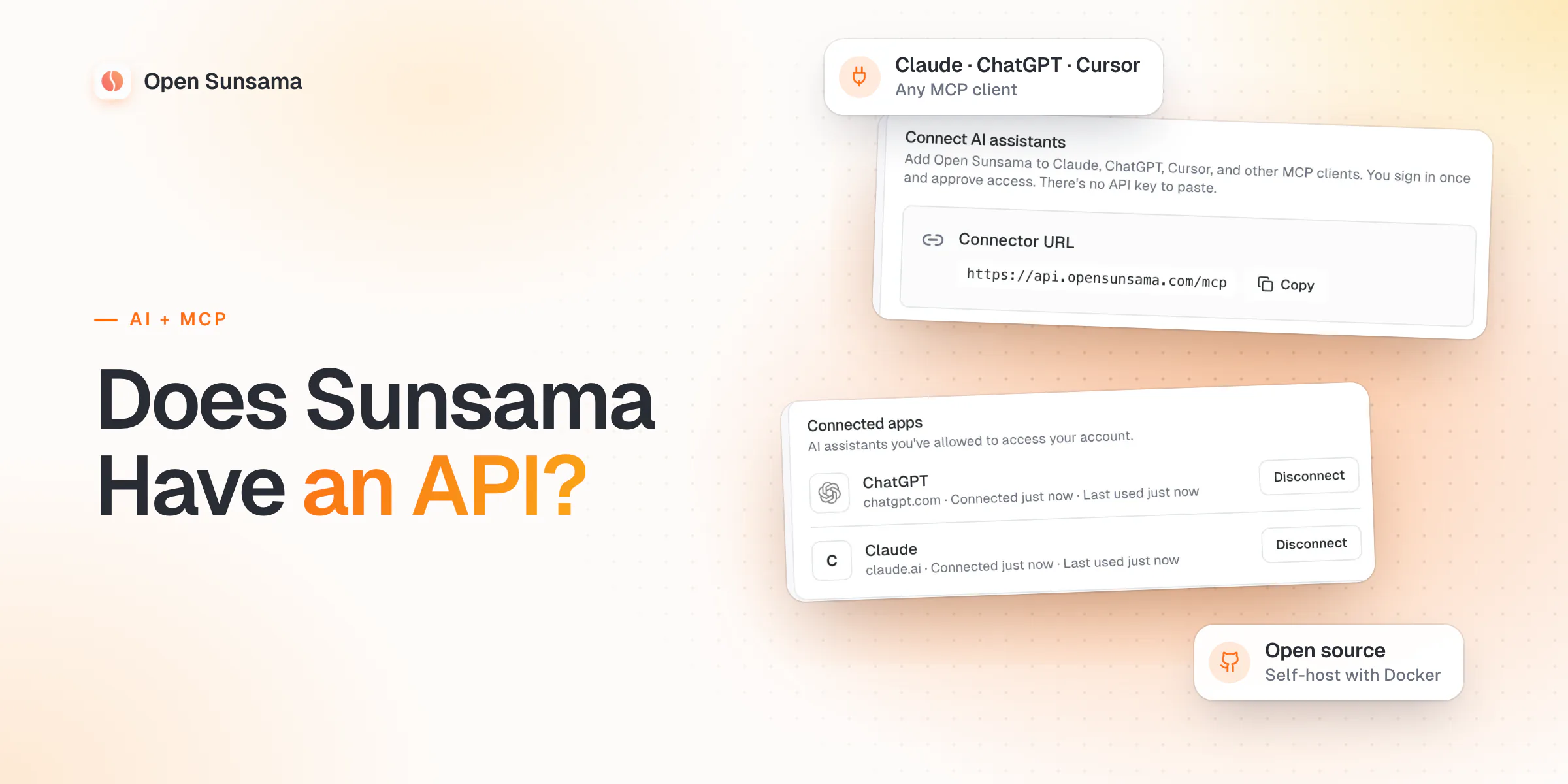
Sunsama has no public REST API. The request on Sunsama's roadmap has been open since December 2019 and still had 888 votes on 23 November 2026. Today your options are Sunsama's official MCP server, Zapier, or an unofficial wrapper.
If you need a real Sunsama API, our pick is Open Sunsama. It is a daily planner like Sunsama with a documented REST API, API keys and a hosted MCP server. We build Open Sunsama, so we recommend it at the end — here is what each path can and can't do.
Key takeaways
- No public API: Sunsama does not publish a REST API or API keys for its planner.
- Official MCP server:
https://api.sunsama.com/mcplets Claude, ChatGPT and Cursor work with your Sunsama data. It left beta in August 2026. - Zapier: Sunsama lists Zapier as part of its Pro plan.
- Unofficial wrapper: a community library calls Sunsama's internal GraphQL API with your password. It works, but nobody guarantees it.
- Best planner with a real API: Open Sunsama, with REST, API keys, MCP and self-hosting.
What are your Sunsama API options in 2026?
| Option | Official? | Sign-in | Good for | Limits |
|---|---|---|---|---|
| Open Sunsama REST API | Yes (a different planner) | API key | Scripts, cron jobs, n8n, your own tools | You move your planning to Open Sunsama |
| Sunsama MCP server | Yes | OAuth | Asking Claude or ChatGPT to plan your day | Needs an AI app in the loop |
| Zapier | Yes | Zapier account | Simple "when X, do Y" automations | Only the triggers and actions Zapier offers |
| sunsama-api (community) | No | Email and password, or session token | Hobby scripts | Internal API; can break any day |
| mcp-sunsama (community) | No | Email and password | Nothing new: archived in March 2026 | Uses the same internal API |
Sources: Sunsama MCP docs, Sunsama pricing, sunsama-api and mcp-sunsama, checked November 2026.
Why doesn't Sunsama have a public API?
We can't speak for Sunsama's plans. What we can see is the roadmap. The API request was created on 16 December 2019, has 888 votes and carries no status label in November 2026.
When Sunsama launched its MCP server in April 2026, it posted the news in that same API thread. So for now, MCP is Sunsama's answer to "how do I connect my own tools?"
That works if you want an AI to help. It doesn't work if you want a cron job that exports last week's time, or a Home Assistant button that adds a task.
Option 1: Sunsama's official MCP server is the safest way in
Sunsama hosts the MCP server, and it left beta in August 2026. It uses OAuth 2.1, so you never share your password.
You add https://api.sunsama.com/mcp as a custom connector in Claude, or find Sunsama in ChatGPT's plugin directory. Then you can ask things like "move my writing task to tomorrow morning."
Our Sunsama MCP guide has setup steps for Claude, ChatGPT, Cursor and Claude Code. The catch: an MCP server talks to AI clients. You can't easily call it from a plain script.
For older clients without OAuth, Sunsama also offers a long-lived token under Settings → Integrations → MCP. Its docs say this token "may be removed", so don't build on it.
Option 2: Zapier covers simple automations
Sunsama's Pro plan includes "AI + MCP + Zapier". Zapier connects Sunsama to thousands of other apps with no code.
Zapier is fine for simple flows. You are limited to the triggers and actions Zapier exposes, and every run goes through a third party.
Option 3: the unofficial sunsama-api wrapper works, with risks
sunsama-api is a TypeScript library by a community developer. Its README says it is not affiliated with or endorsed by Sunsama.
It calls Sunsama's internal GraphQL API, the one Sunsama's own apps use. To sign in, you give it your Sunsama email and password, or a session token.
That brings two risks:
- Your password sits in a script. Anyone who reads the script or its config can sign in as you.
- It can break any day. Sunsama never promised this API to anyone. A change on their side can stop your script without warning.
The same author built mcp-sunsama, an MCP server on top of the library. It needed your email and password too, and its author archived it in March 2026. Use Sunsama's own OAuth server instead.
Which daily planner like Sunsama has a real API?
If an API is a must, pick a planner that publishes one. Open Sunsama is built for this.
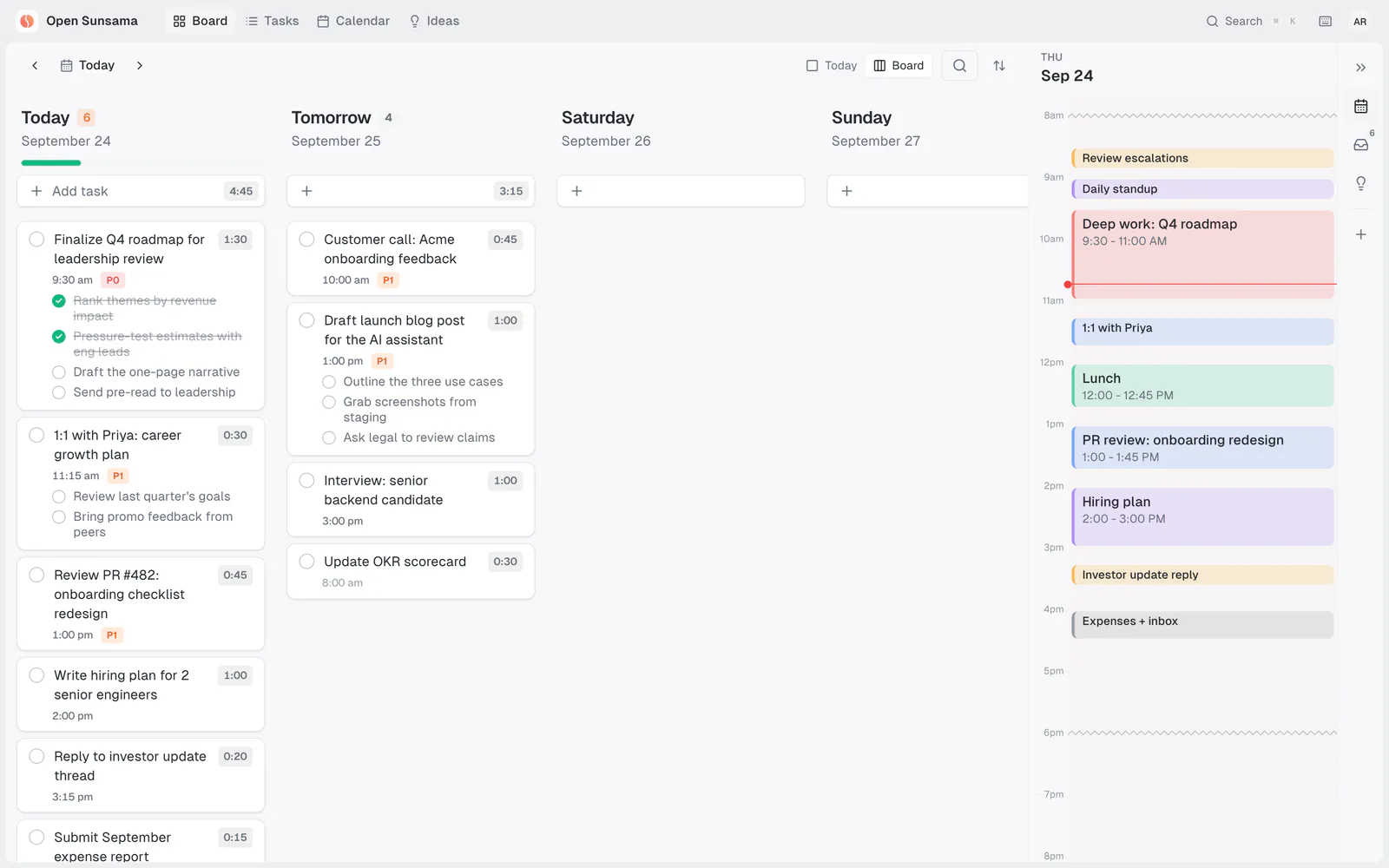
Open Sunsama plans your day like Sunsama does. You get a kanban board of days, time blocking on Google, Outlook or iCloud calendars, a focus timer and rollover. Then it opens every part of that to your own code.
- A public REST API. Tasks, subtasks and time blocks, documented at /docs/api/authentication.
- API keys with scopes. Create a key in Settings, then pick read or write access for tasks, time blocks, calendar events and your profile.
- A hosted MCP server. OAuth sign-in for Claude, ChatGPT, Cursor and any MCP client, with 47 tools.
- Public code. Read it on GitHub, or self-host it with Docker.
Here is all it takes to list tomorrow's tasks:
curl "https://api.opensunsama.com/tasks?date=2026-11-24" \
  -H "X-API-Key: $OPENSUNSAMA_API_KEY"
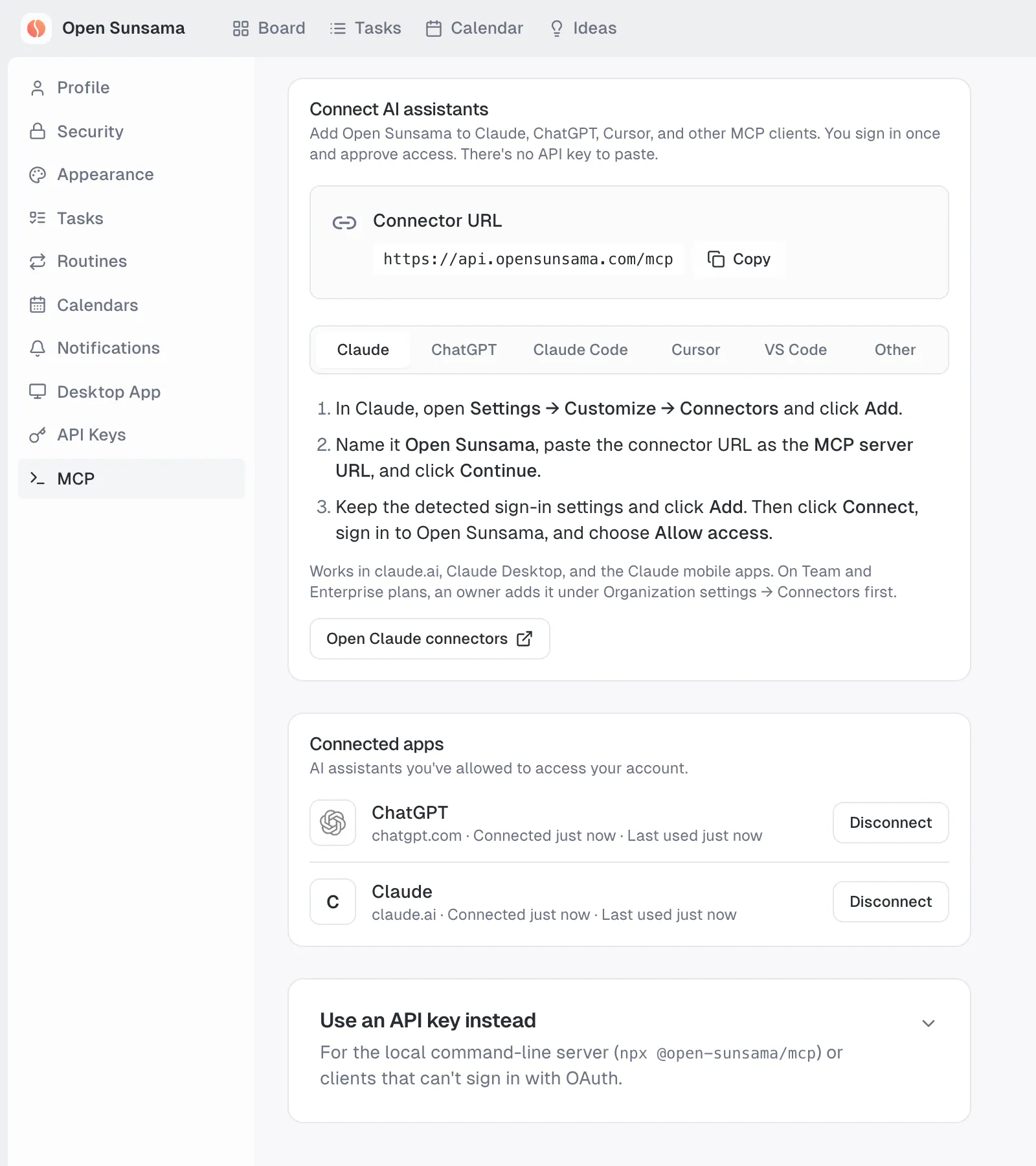
And when you would rather ask than script, your agent uses the same data through MCP.
Be clear on the gaps. Open Sunsama has no Sunsama importer and no built-in Asana or Jira sync.
Its mobile app is early: an Android APK and an iOS TestFlight build, not in the app stores yet. Its license is non-commercial: personal use and self-hosting are fine, and companies need a commercial license.
Which other planners have a public API?
These apps publish an API too. We checked each vendor's docs in November 2026.
| App | Public API | Official MCP server |
|---|---|---|
| Open Sunsama | REST API with scoped API keys | Yes, hosted, OAuth |
| Todoist | Yes | Yes, at ai.todoist.net/mcp |
| TickTick | Yes | Yes, at mcp.ticktick.com |
| Motion | Yes, API key; 12 requests a minute for individuals | Community-built only |
| Amazing Marvin | Yes | None found |
| Morgen | Yes, in early access | Community-built only |
| Akiflow | No; an open feature request | Yes, hosted |
| Sunsama | No | Yes, hosted, OAuth |
Todoist and TickTick are to-do lists first. Motion schedules your day for you. Open Sunsama is the closest to Sunsama's hands-on daily planning, with the most open access.
Which path should you pick?
For most people who need an API: Open Sunsama. You keep a calm daily plan, and your scripts and agents can reach every task and time block.
- If you love Sunsama and just want AI help, use Sunsama's official MCP server.
- If you need one simple automation, try Sunsama's Zapier integration.
- If you are tinkering for fun, the community wrapper works, but keep your password out of shared code.
- If your tasks live in Todoist or TickTick, use their APIs and add a planner on top.
Related guides
- Sunsama MCP setup for Claude, ChatGPT and Cursor.
- Best task managers with MCP, compared.
- Plan your day with Claude using Open Sunsama.
- Best Sunsama alternatives if you are ready to switch.
Frequently asked questions
Does Sunsama have a public API?
No. Sunsama has no public REST API. The request has been open on its roadmap since 16 December 2019 and still had 888 votes on 23 November 2026.
How can I connect to Sunsama without an API?
Use Sunsama's official MCP server with an AI app like Claude or ChatGPT, or use Zapier. Both are part of the Pro plan.
Is the unofficial Sunsama API safe to use?
Use it with care. The community sunsama-api library calls Sunsama's internal GraphQL API and signs in with your email and password or a session token. Sunsama does not support it, so it can break without warning.
Is Sunsama's MCP server an API?
It is a way for AI apps to read and change your Sunsama data, with OAuth sign-in. It is built for AI clients like Claude, ChatGPT and Cursor, not for plain scripts or cron jobs.
Which daily planner has a public API?
Open Sunsama has a public REST API with API keys, plus a hosted MCP server. Todoist, TickTick, Motion and Amazing Marvin also publish APIs.
What is the best Sunsama alternative with an API?
Open Sunsama. It plans your day like Sunsama, has a documented REST API and a hosted MCP server, and its code is public so you can self-host it.